Who this is for: Roofing consultants, coaches, trade associations, buying groups and software resellers that introduce StormBuddy software to contractors. Screens were captured from the StormBuddy portal on a new, pending company, so lists start empty.
Learn about the Partner Network
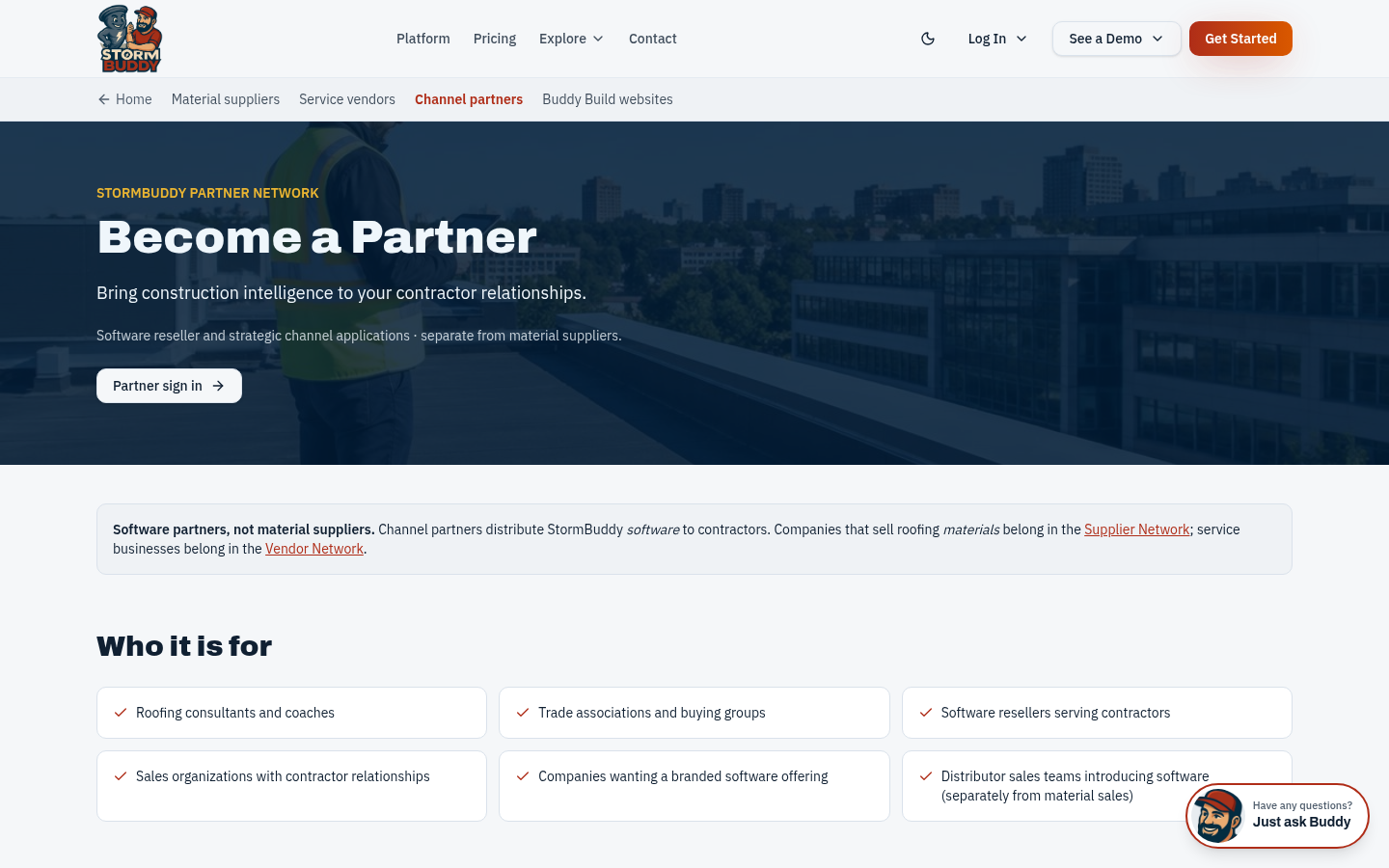
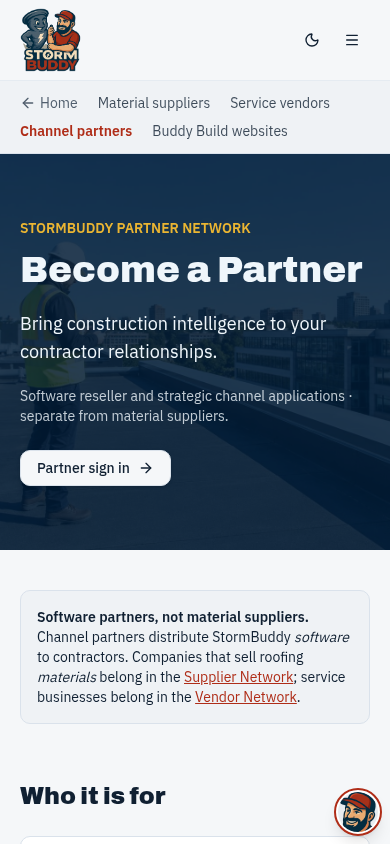
The Become a Partner page explains referral, reseller, software distribution and white-label partner types and who each is for. Companies that sell roofing materials belong in the Supplier Network instead.
Sign in or create your account
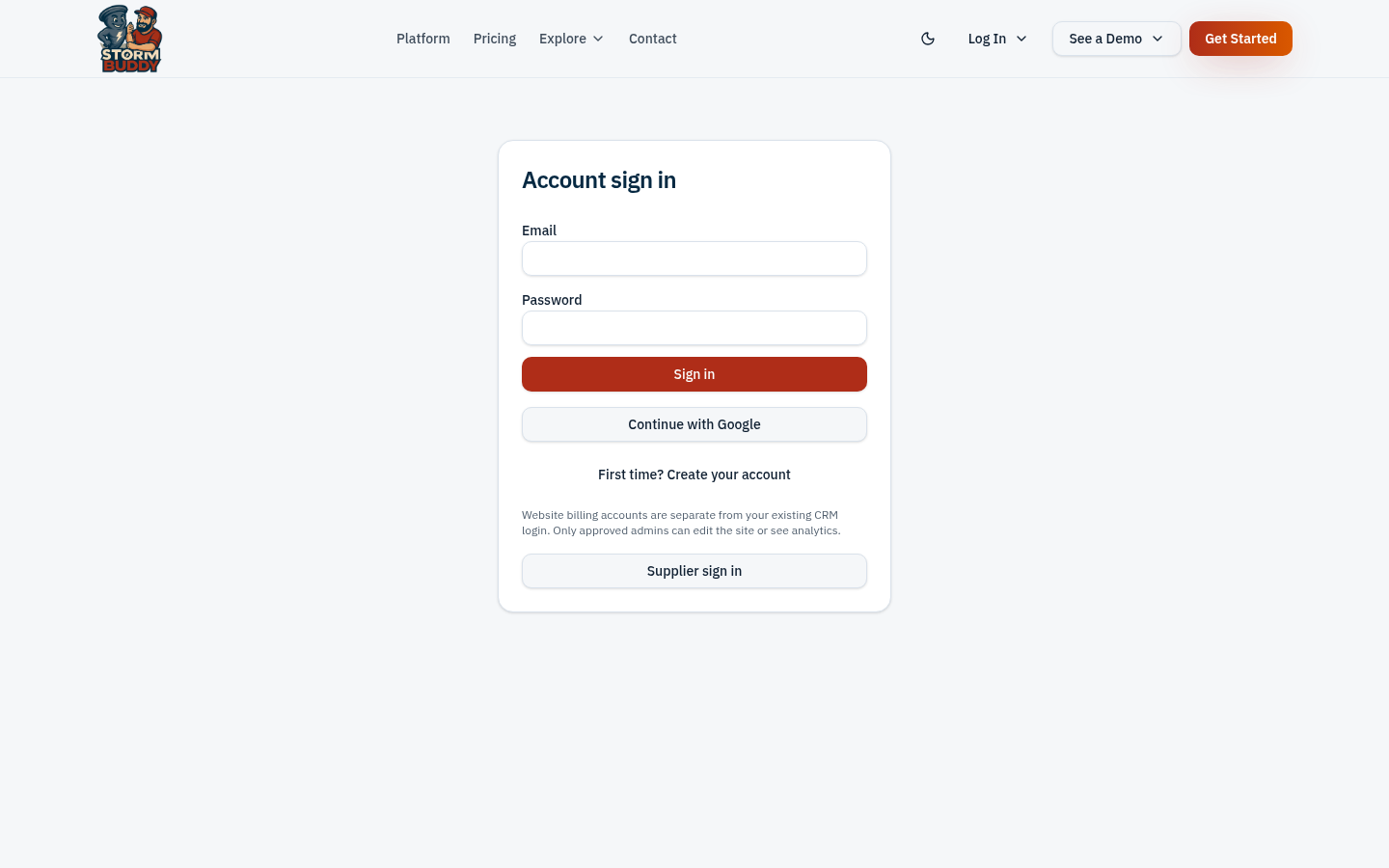
Partners use a regular StormBuddy account. Sign in, or create one with your email and password, then return to the partner dashboard.
Apply from your partner dashboard
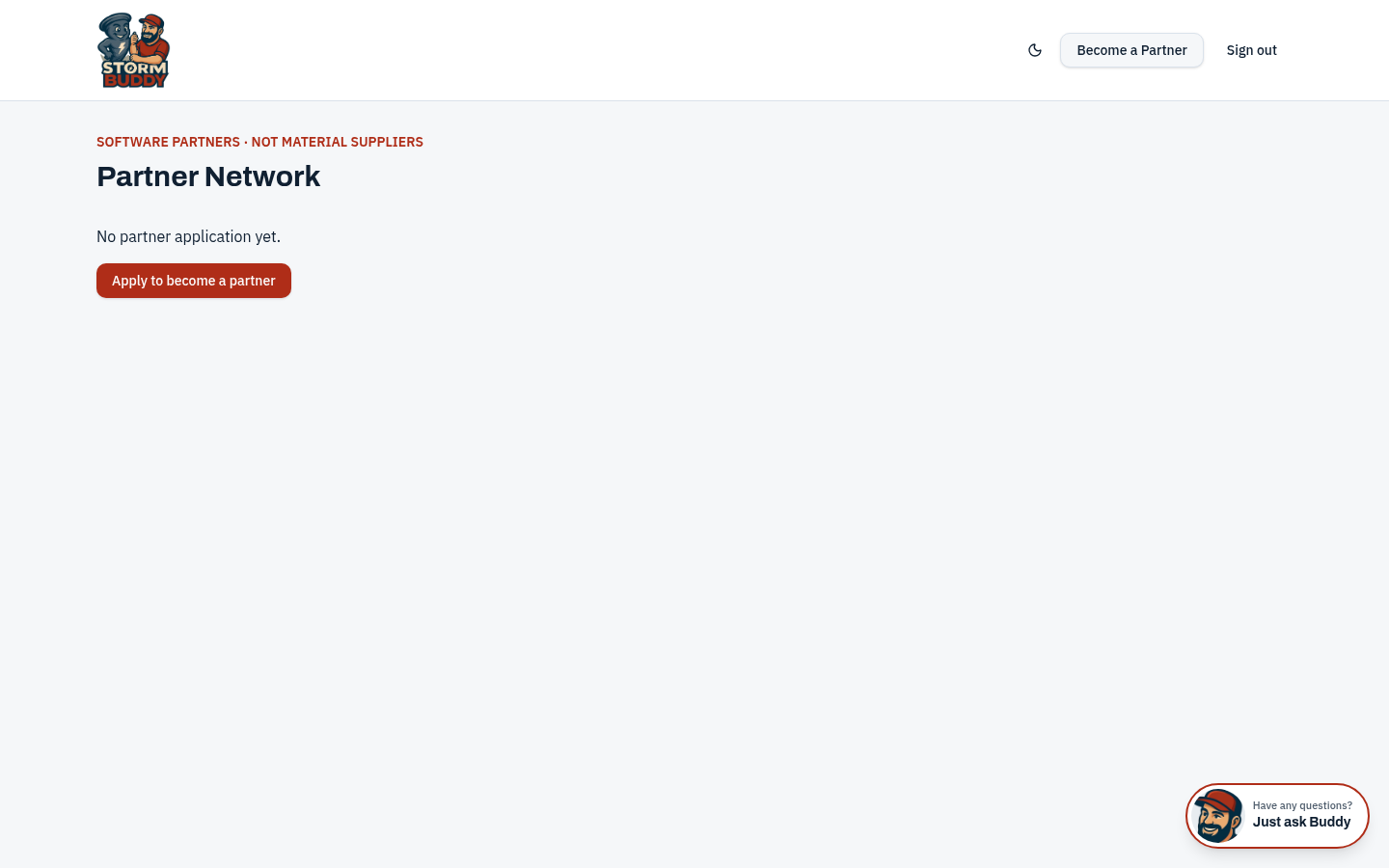
With no application yet, the dashboard shows "Apply to become a partner". Complete the application form and accept the partner agreement. Your application, agreement acceptance and every later change are recorded.
Review and approval
StormBuddy reviews each application. Once approved, your dashboard shows your status, brand settings and referral records. Custom domains require a DNS ownership check before they can be used.
Questions
Ready? Back to the program page to apply or request information.