
Who this is for: Estimators, supplement writers, lead and marketing companies, crews, finance and other businesses that sell services to roofers. Screens were captured from the StormBuddy portal on a new, pending company, so lists start empty.
Learn about the Vendor Network
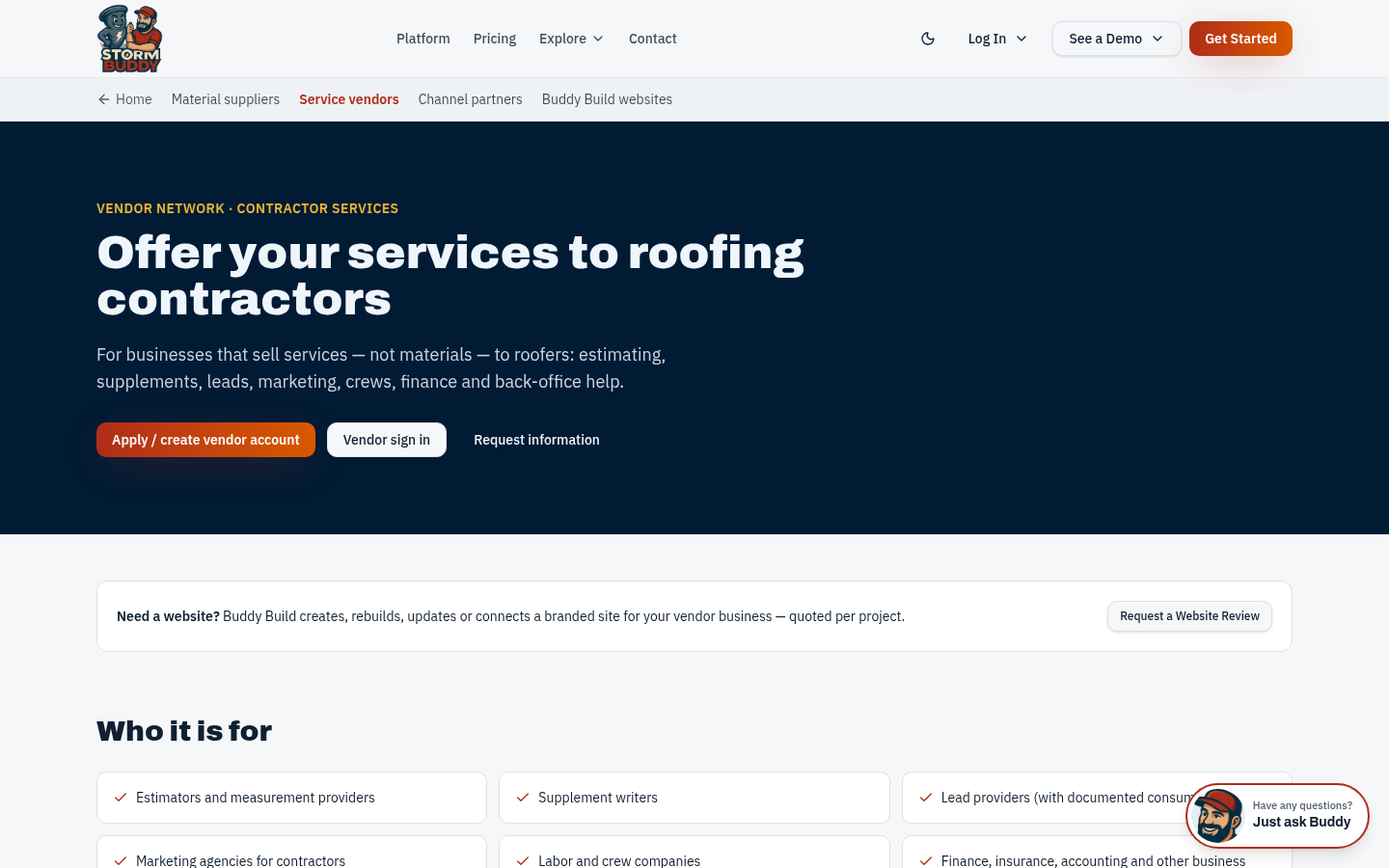
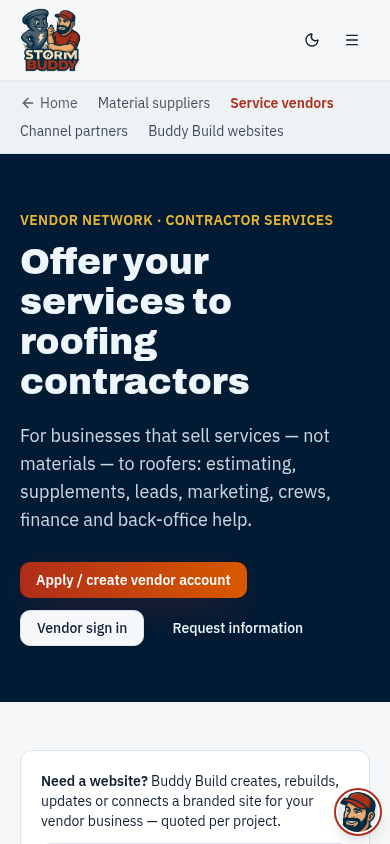
The Service Vendors page lists who the network is for, the categories you can choose and what is available today. Featured placement tiers are proposed only and are not sold today.
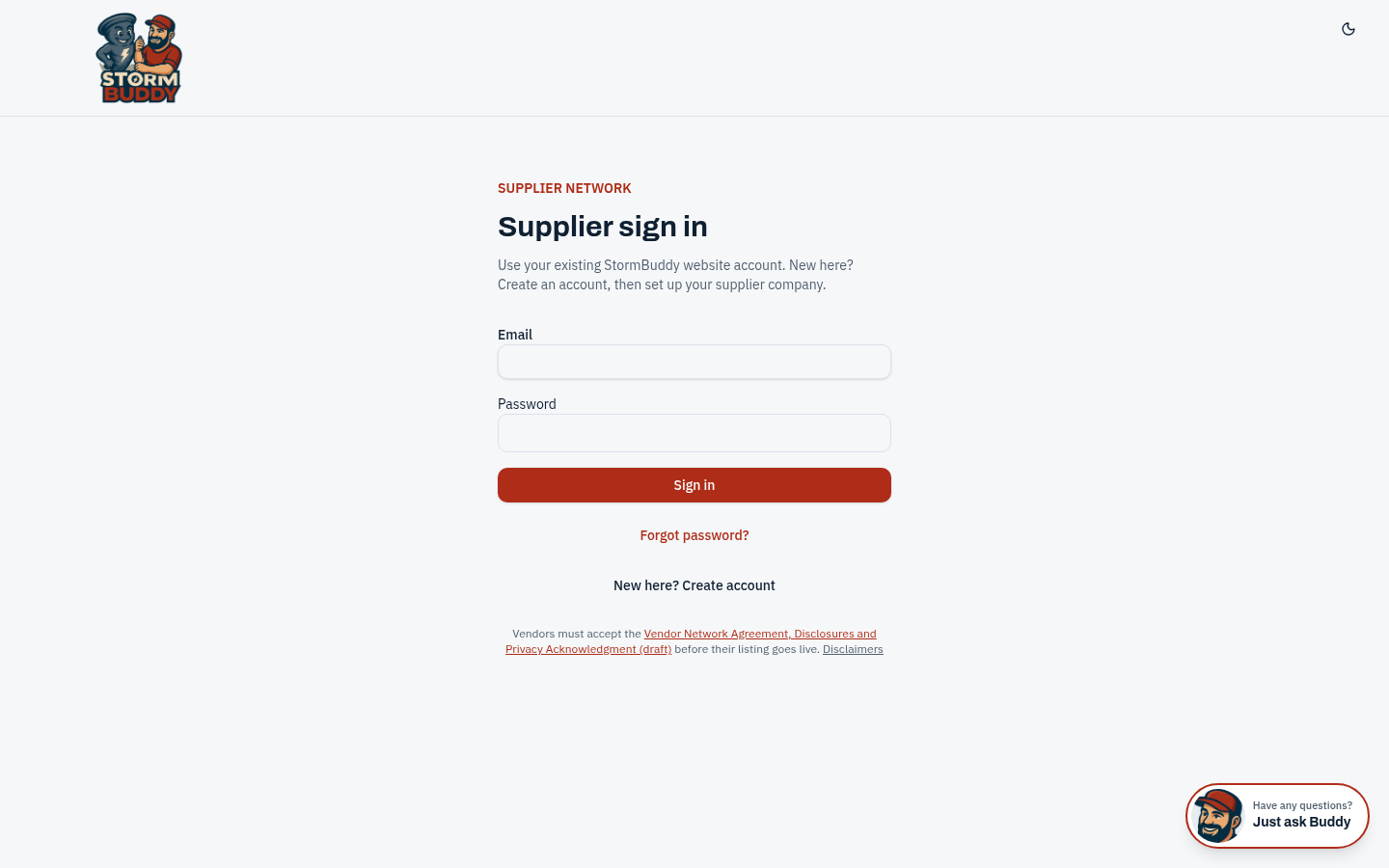
Create your account or sign in
Vendors use the same secure sign-in as suppliers. Choose "Create account", enter your business name and you become its Owner. Your business stays Pending until StormBuddy approves it.
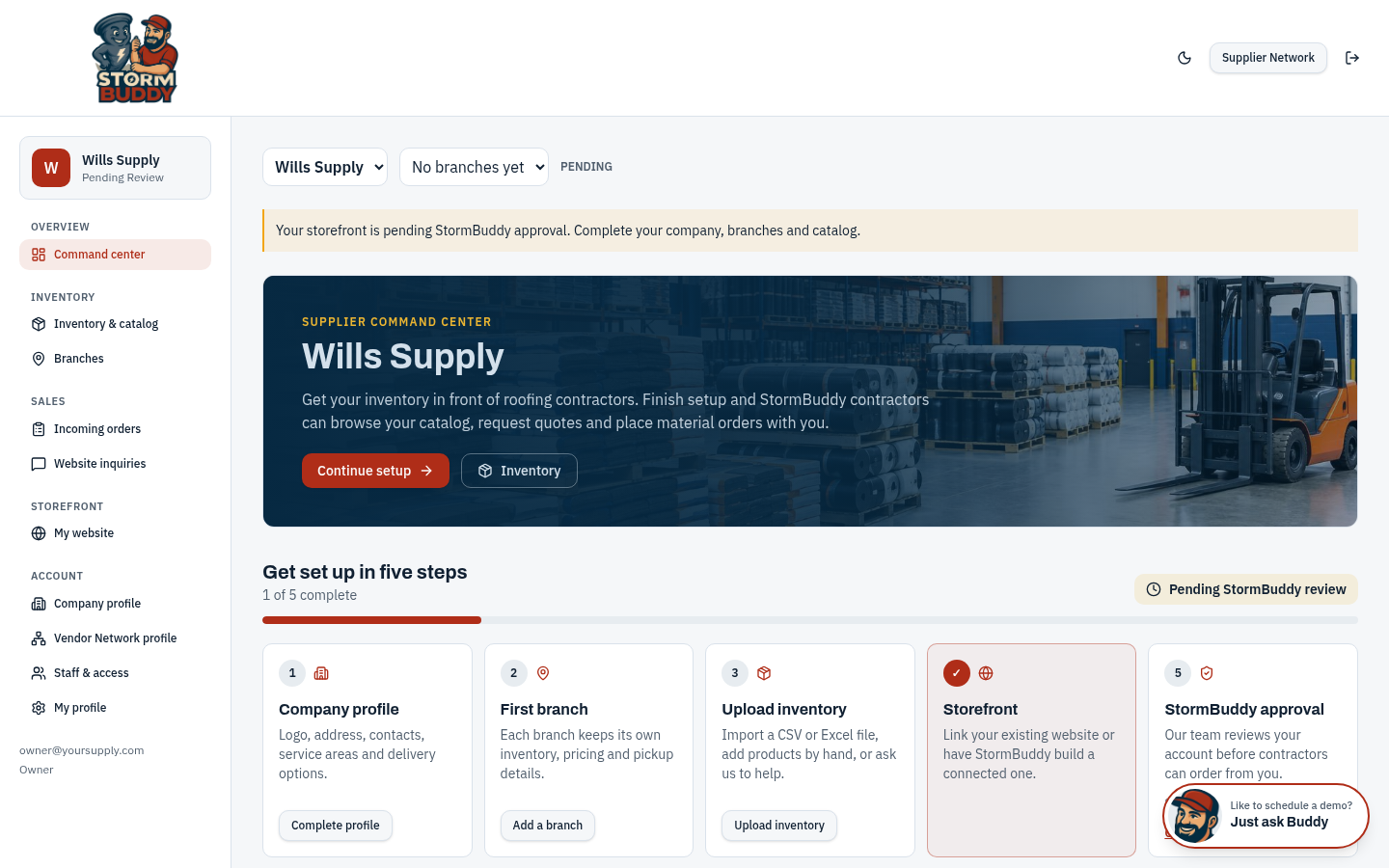
Command center
Your workspace home. Use the left menu to reach Company profile, Vendor Network profile and Staff & access. Inventory and branch sections only matter if you also sell materials.
Company profile
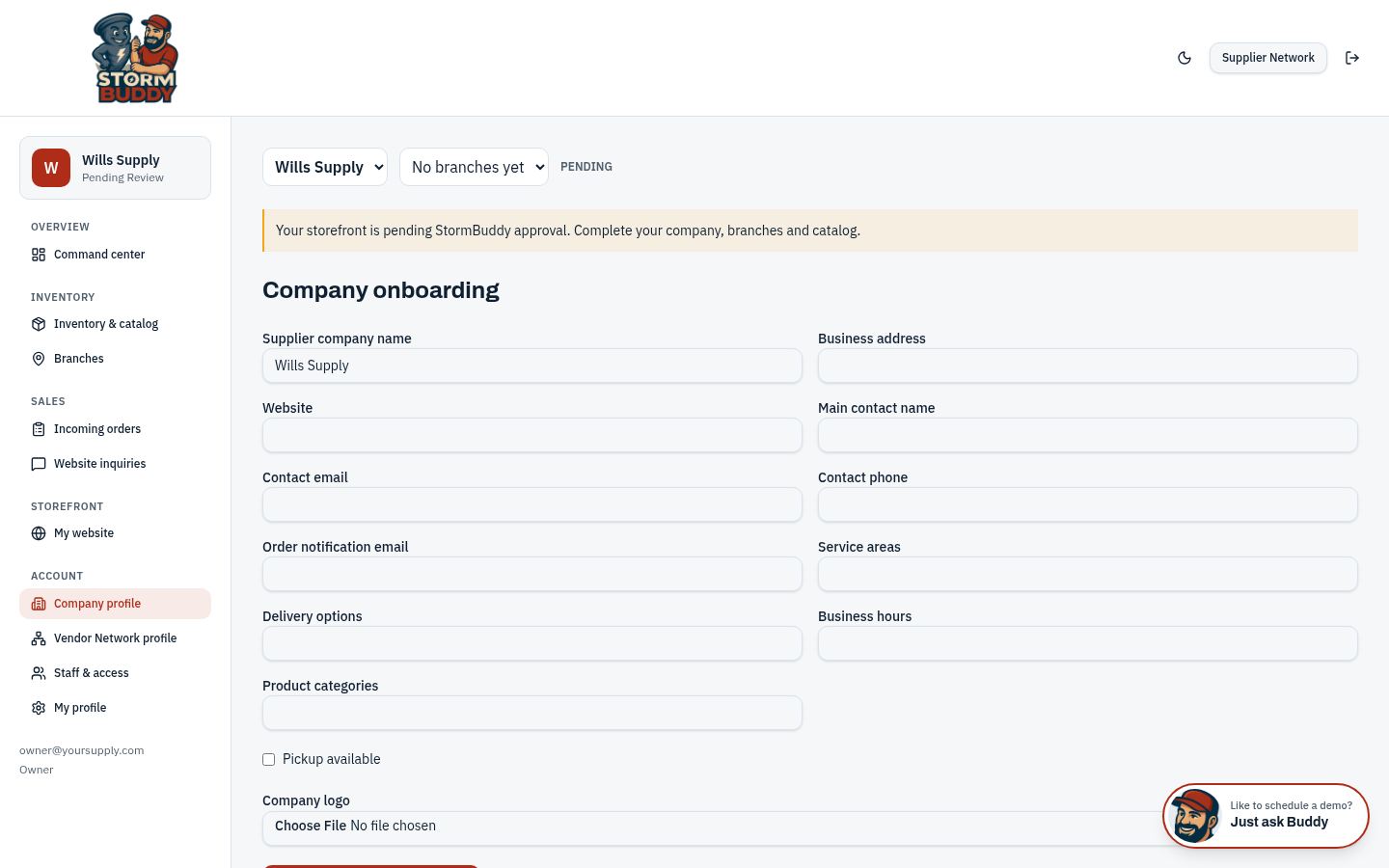
Add your business name, address, website, main contact, email, phone, service areas and hours, and upload your logo. This information feeds your directory listing.
Read and accept the agreement
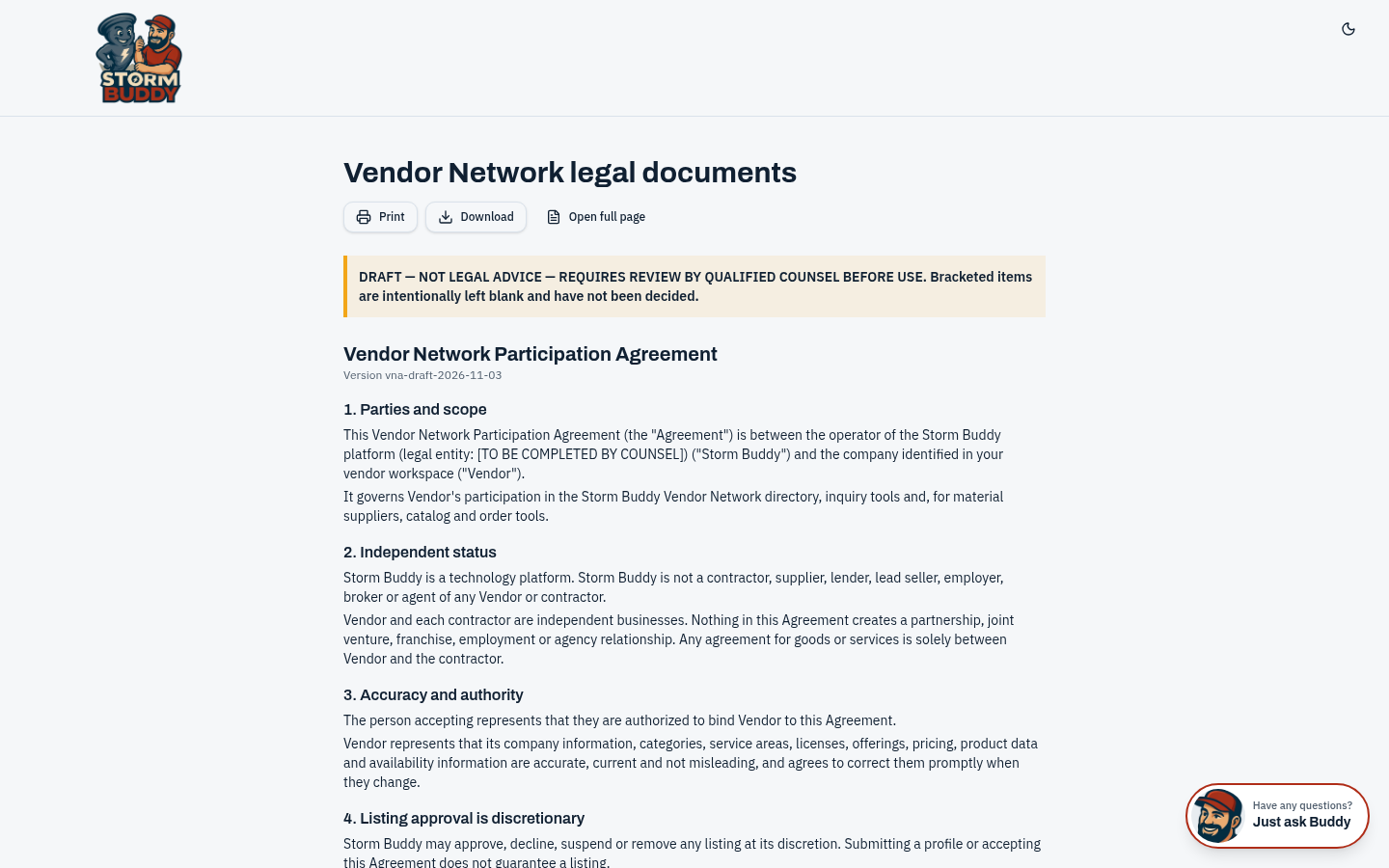
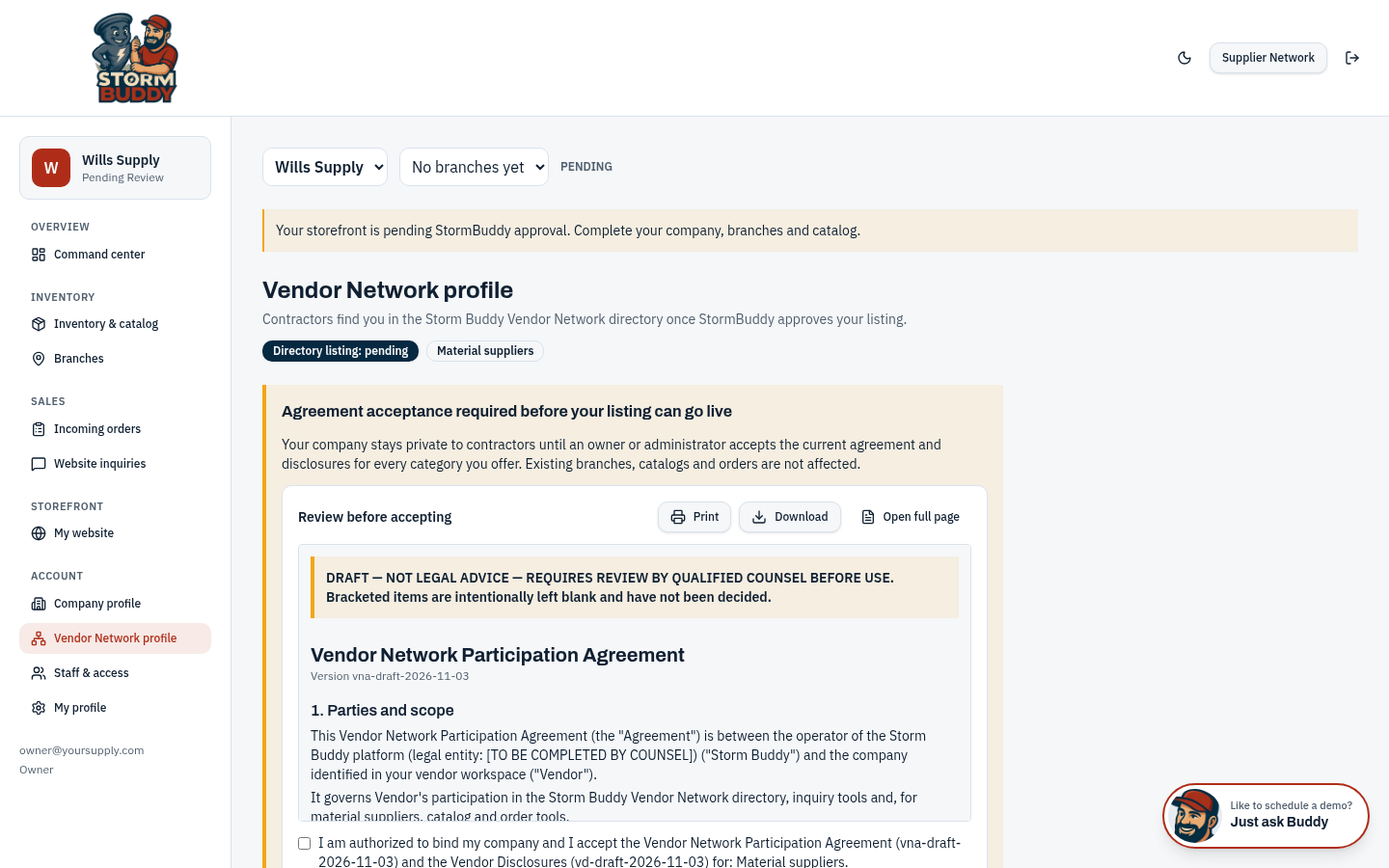
Before a listing can go live, an authorized person must read and accept the current Vendor Network Participation Agreement and the disclosures for your categories. You can print, download or open the full page. Acceptance is recorded with the version you accepted.
- The agreement is currently a draft pending legal review; bracketed items are not decided yet.
Build your Vendor Network profile
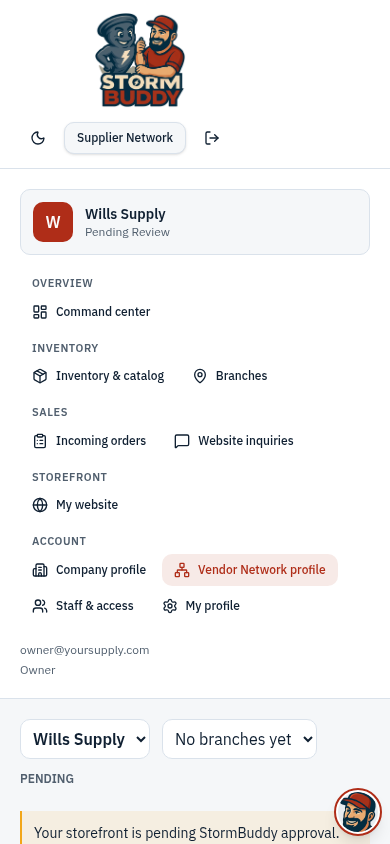
Pick one or more categories (estimating and measurements, supplement writing, leads and marketing, labor and crews, finance, business services and specialists), describe your offerings, set your service areas and contact details, then submit for review. The status badge shows Pending until approved.
- Lead providers must have documented consumer consent.
- Finance offers are always subject to lender approval.
Receive contractor inquiries
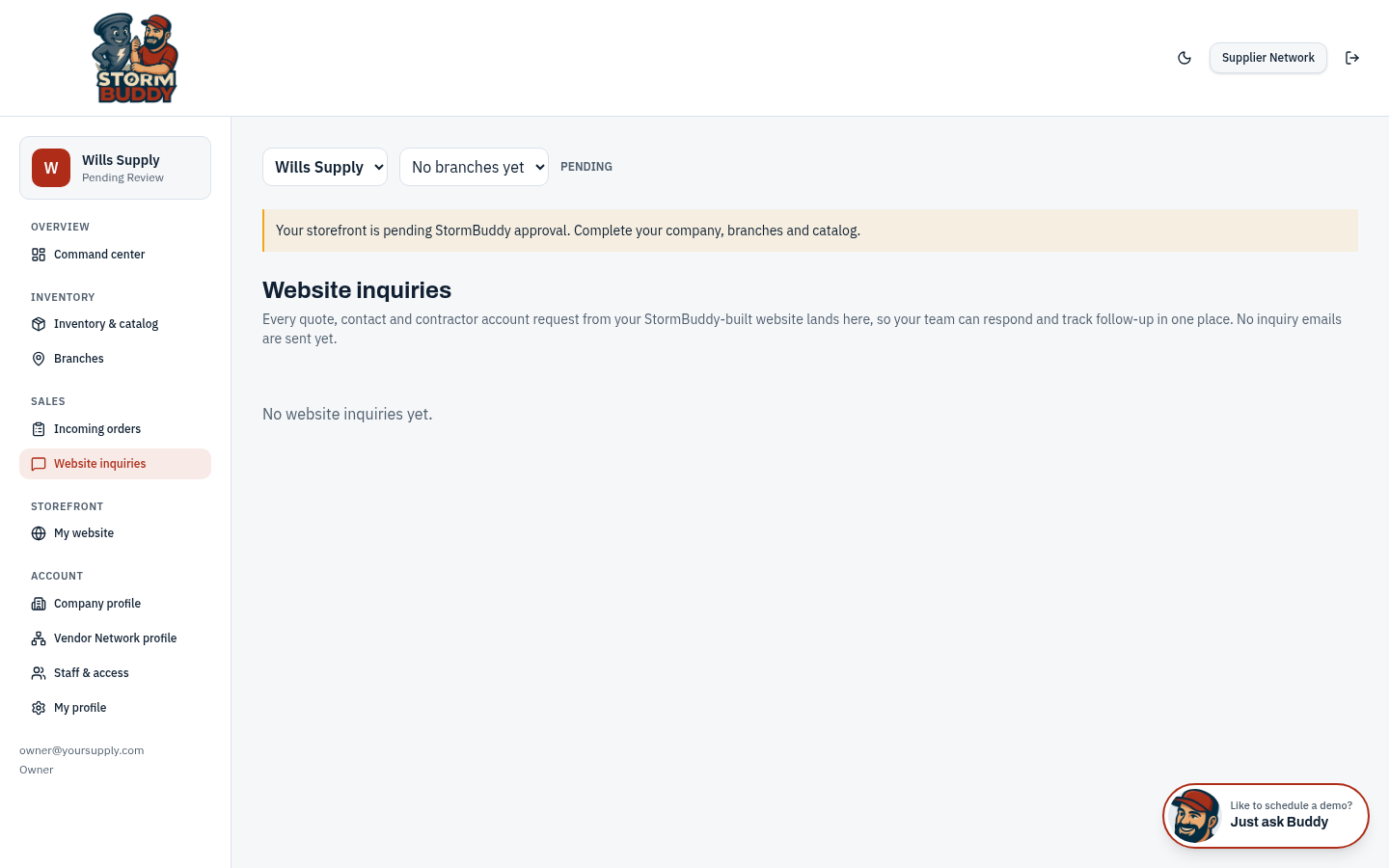
Once approved, contractors can open your profile and send an inquiry. Inquiries arrive in your workspace so your team can respond and track follow-up.
Invite your team
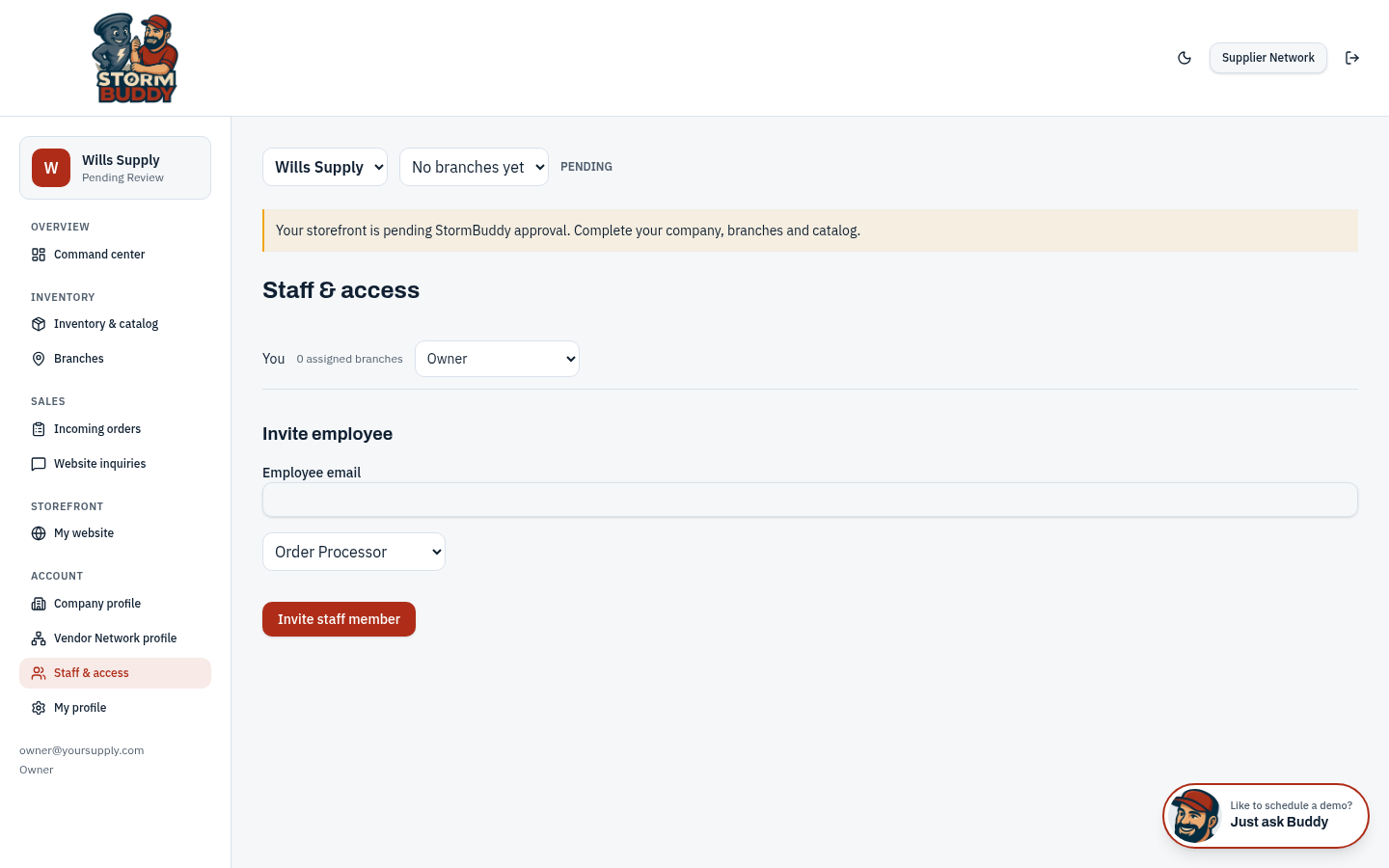
Invite staff by email and assign a role so the right people can answer inquiries and keep your profile current.
Questions
Ready? Back to the program page to apply or request information.